

Remote MCP server · live
Synthetic data your agent can prove.
Connect Misata to Claude, Cursor or VS Code and ask for a dataset. The assistant designs the tables, Misata generates the rows, and before anything comes back every foreign key, date order, total and rate you declared is recomputed on the delivered data. No key needed to start.
https://api.misata.studio/mcpSeed a SaaS app: accounts, users and invoices.
accounts
500
users
2,400
invoices
6,000
- every foreign key was checked against its parent table
- dates were checked to follow the order of the events they describe
- 1 request sentence could not be turned into a check without a model; the certificate lists it as asked
- No key
- to generate from a schema
- 100,000
- rows per dataset signed in
- 25
- export formats
- 2 hours
- to query and export
Why it works
The model designs. The engine does the math.
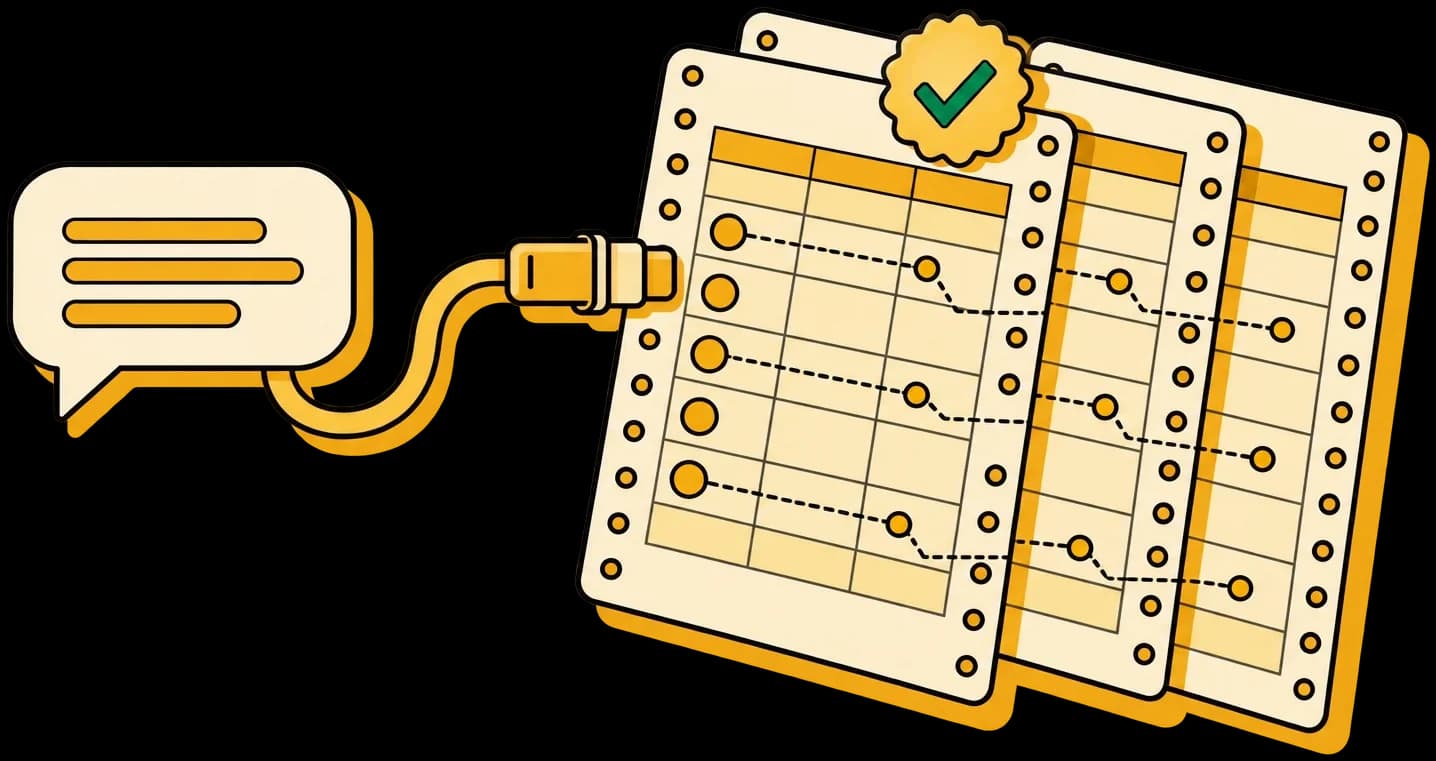
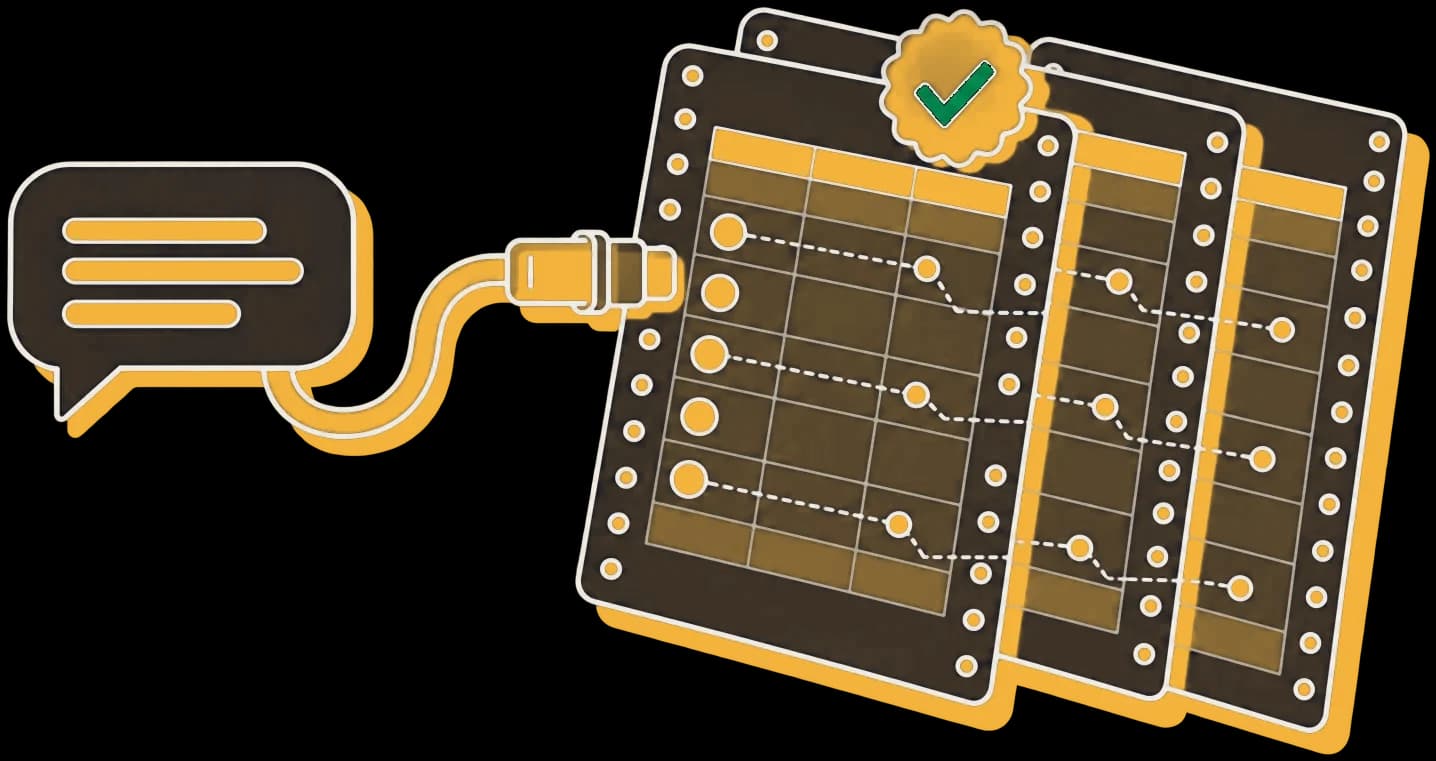
A model writing rows directly gets the shape right and the numbers wrong: keys that point nowhere, totals that do not add up, a rate nobody controlled. Misata splits the job so each side does what it is good at, and hands back a receipt instead of a promise.
Your assistant
Designs the tables
Columns, relationships, sizes and the outcomes you care about, written as a schema.
Misata
Generates and proves
Every row, every key resolved, every declared figure recomputed, with the certificate attached.
Connect
Pick your client. Three steps.
- 1In Claude.ai or Claude Desktop, open Settings, then Connectors, then Add custom connector.
- 2Paste the server URL and save.
- 3Ask for a dataset. Claude asks you to sign in to Misata the first time; there is no key to copy.
https://api.misata.studio/mcp
Prefer to run everything on your machine? The open-source library has its own MCP server: pip install "misata[mcp]", then point your client at misata-mcp. Local setup
Try asking
Say it the way you would to a colleague.
A Postgres seed for a SaaS app: 500 accounts, users, subscriptions and invoices, with churn at 4% a month.
Practice data for a SQL interview: an online shop with orders, returns and a few planted data-quality problems.
A machining dataset for SPC: shafts measured against a 25.000 mm nominal, with a tool that drifts and is reset.
Do you have a ready-made insurance claims dataset I can download?
Tools
Everything an agent needs, nothing it should not touch.
The hosted server never holds a database credential. Your agent gets SQL files and download links, and runs them itself.
Design and generate
generate_datasetMakes a relational dataset from a schema, CREATE TABLE statements, a blueprint or a sentence, and returns what was checked and what held.
plan_datasetShows the tables, sizes and relationships before any rows exist. Free.
blueprint_guide / validate_blueprintFor data that must behave like a real process: drift, wear, readings around a nominal. Validation runs a small preview first.
Check
get_certificateThe full certificate: every number stated against what the rows actually show, with the SQL that reads it.
check_answersThe ground truth for an eval: questions drawn from the answer key, and any answer, series or query checked against it, a wrong one named as the mistake it is.
query_datasetRead-only SQL over the dataset, so the agent can check a total or a join itself.
Deliver
export_dataset28 formats: CSV, Parquet, SQL for eight databases including ClickHouse, SQLite, DuckDB, Excel, dbt, Prisma, TypeScript, OpenAPI, Salesforce and HubSpot objects and more, as a download link. The demo pack loads into PostgreSQL or ClickHouse with its answer key beside it.
find_ready_datasetLists the published free and premium datasets, so an agent can hand over one that already exists.
Long requests
start_generation / get_status / cancel_generationPlain-English requests that take minutes run in the background.
whoamiSays whether the connection is signed in and what that allows.
Limits
Free to start. Sign in for more.
| No account | Signed in | |
|---|---|---|
| Rows per dataset | 25,000 | 100,000 |
| Generations per hour | 10 | 60 |
| Running at once | 1 | 2 |
| Plain-English requests | With your own model key | Included |
| Datasets held for query and export | 2 hours | 2 hours |
Questions